Folders Storage
Introduction
Folders Storage displays the current structure and content of the Public folder of the DIAL file storage.
Refer to Access Control to learn more about Private and Public logical spaces for objects storage in DIAL.
Folders
Objects (applications, files, prompts, toolsets) get to the Public folder when published by end users or added by administrators.
Refer to Chat User Guide to learn how end users can publish applications and to DIAL Core API Publications to learn how to create and manage publication requests via API.
Note: Public folder does not contain private objects of DIAL users!
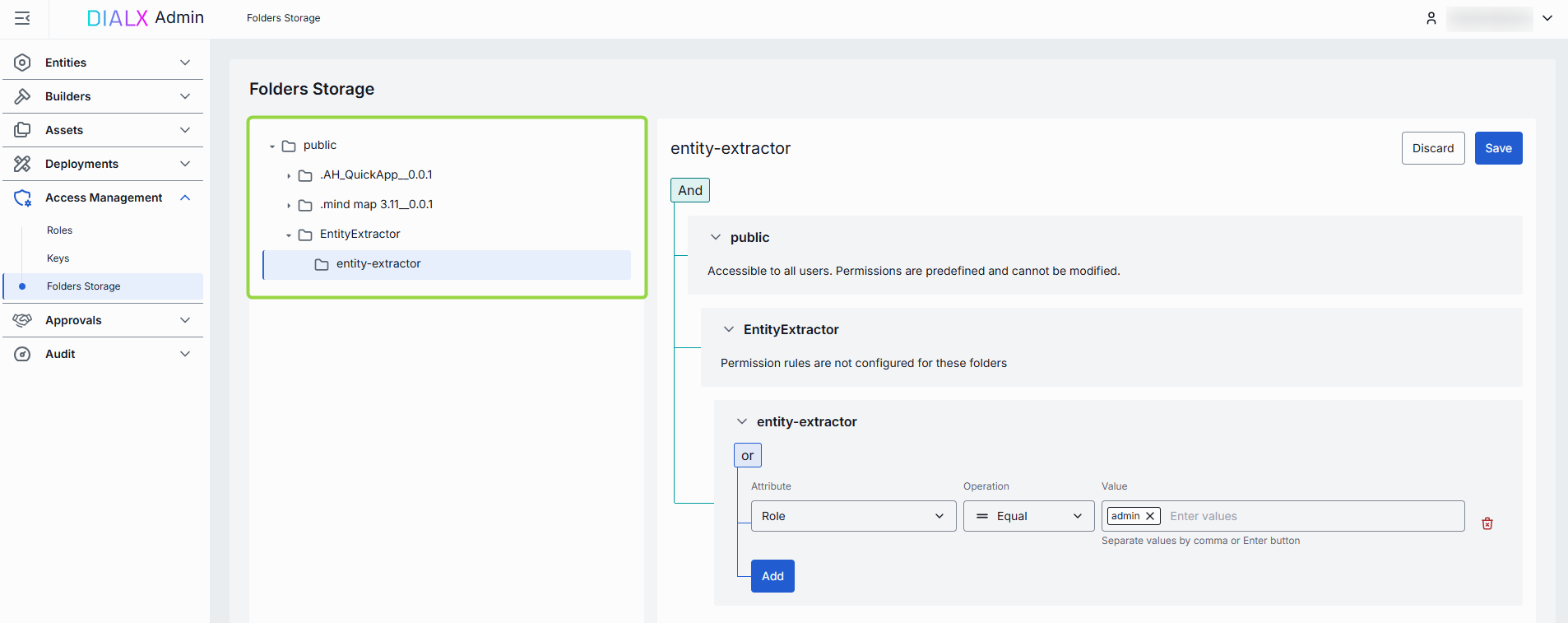
Objects in the Public folder are arranged hierarchically, similar to a file system.
- Root folder: Public is a root folder which can include sub-folders and files.
- Sub-folders: Sub-folders can include uploaded files and files of published applications.
Access Rules
Click any folder to display its access rules.
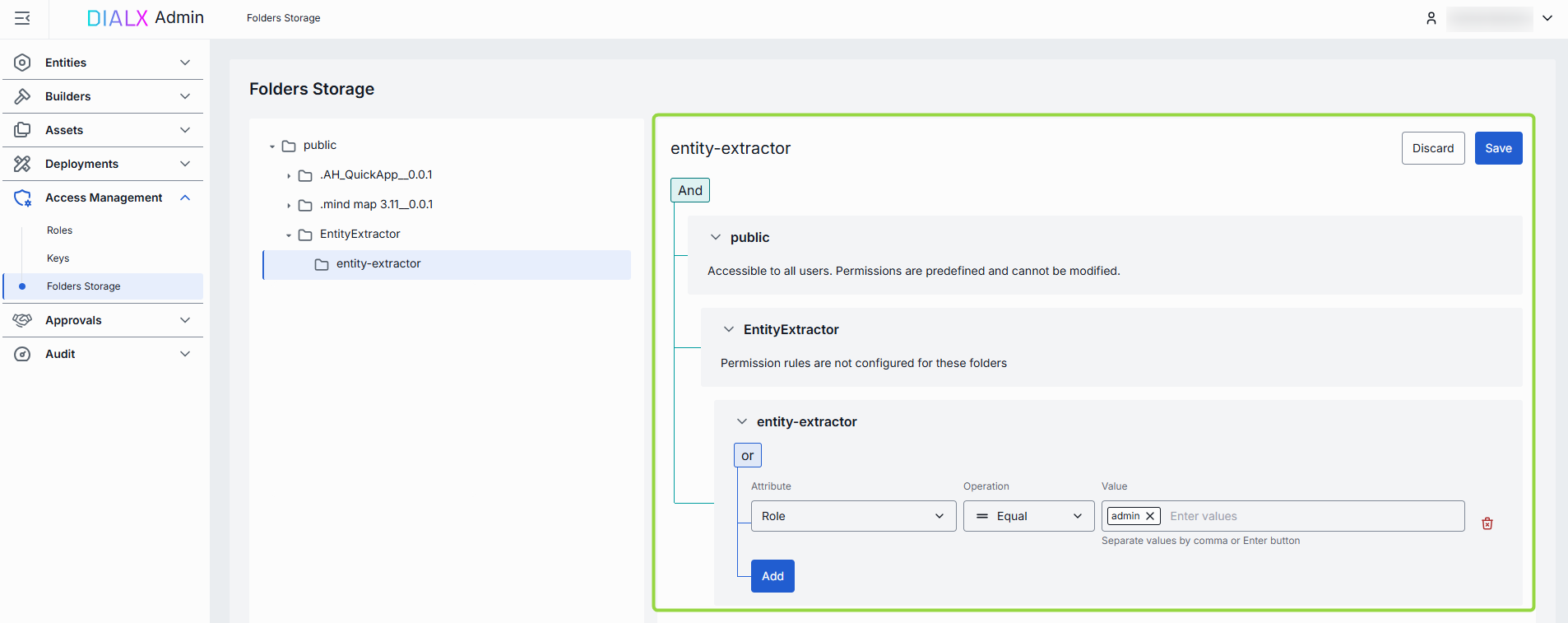
- Public folder: Access to the root Public folder is predefined and available to all authorized DIAL users.
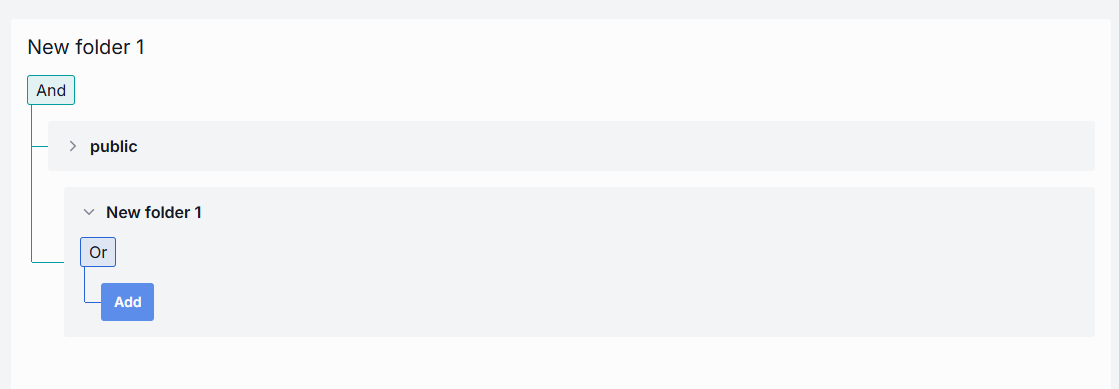
- Sub-folders: Sub-folders within the Public folder can have custom access rules defined by administrators or by users in publication requests. The effective authorization rule for an object in a sub-folder includes restrictions applied to all parent sub-folders up to the root folder. Refer to Tutorials to learn about affective rules for folders.
Refer to Access Control to learn more about Private and Public logical spaces for objects storage in DIAL.
Working with access rules
To determine whether a logged-in user has access to a particular resource in sub-folders, DIAL Core matches claims from identity providers (IDPs) with access rules.
Access rules for objects in sub-folders can be defined using three parameters:
- Attribute: Specific
claimin JWT token payload. E.g: role. - Value: Array of claim
values. E.g.: admin. - Operation: Matching functions for
claimsandvalues. E.g: Equal.
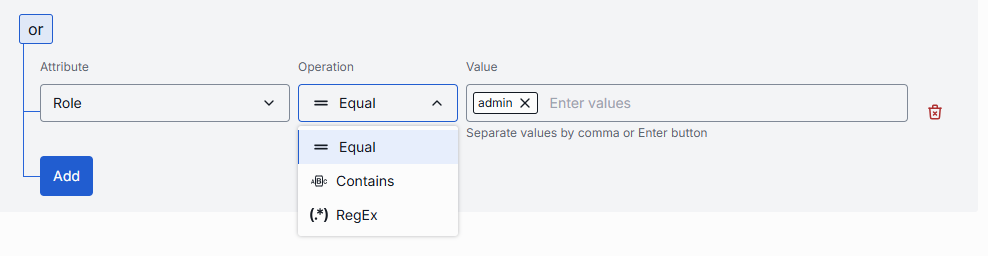
Rules can be nested under And/Or blocks to form complex access policies:
- And: All rules must be satisfied.
- Or: At least one rule must be satisfied.
Note: If a folder has a parent folder, all access rules of a parent folder also apply to the child folder. Refer to Tutorials to learn about affective rules for folders.